Configuring the Application
-
Open the Virima Discovery Application.
-
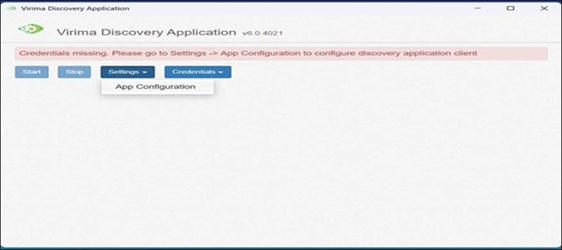
Go to Settings > Auth Configuration.
Note: This screen was previously named Configuration and is now named Auth Configuration to better reflect that it manages client authentication details. It is separate from App Configuration, which centralizes other application-specific settings.
-
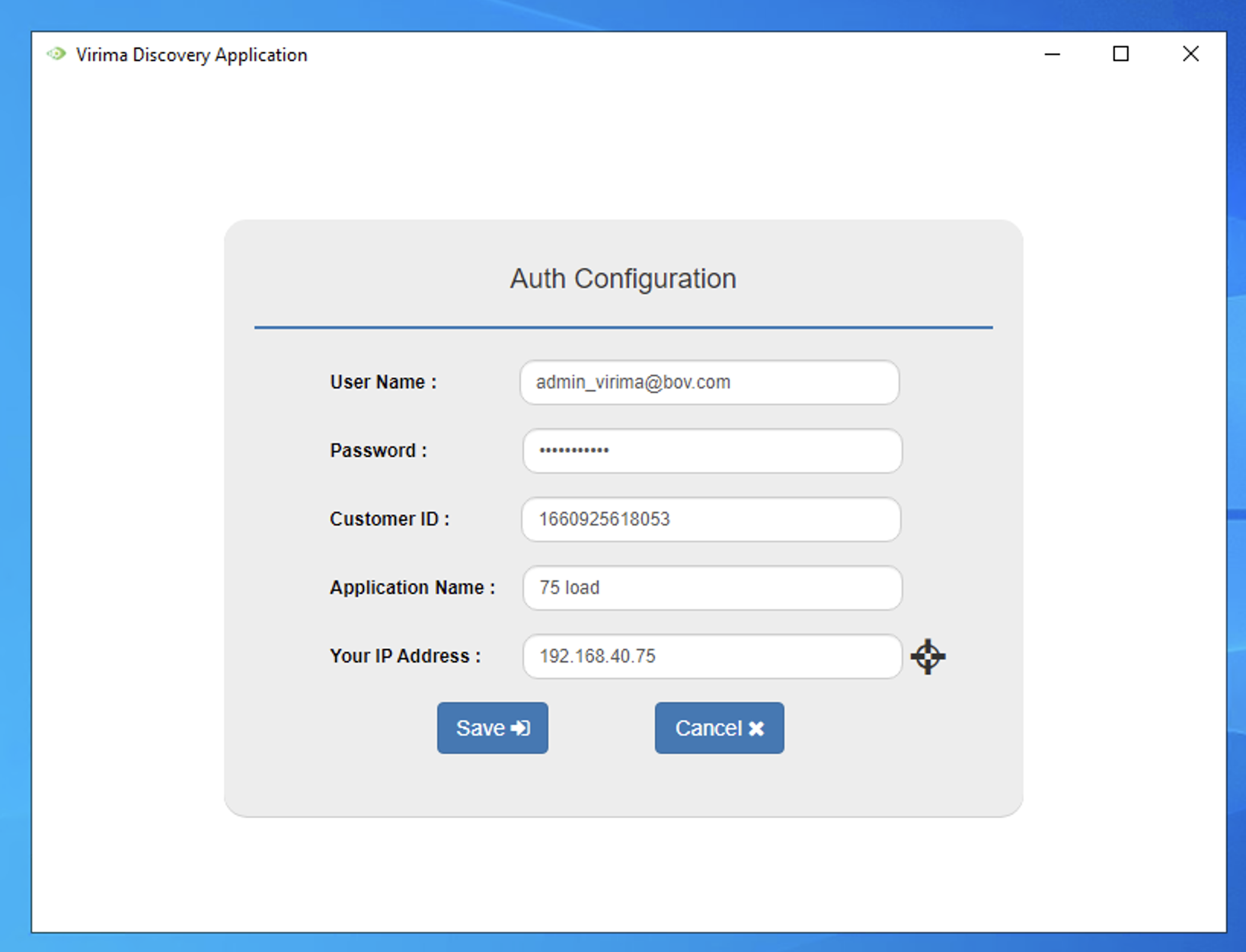
Enter the following details:
-
User Name: Your Web App login email
-
Password: Your Web App password
-
Customer ID: Found in your organization details in the Web App
-
Application Name: Any preferred name
-
Your IP Address: IP of the machine where the app is installed. Click the locate icon next to the field to automatically detect and fill in this machine's IP address.
-
-
Click Save to apply the configuration, or Cancel to discard it.
-
The application will launch and open the Virima Discovery interface.
-
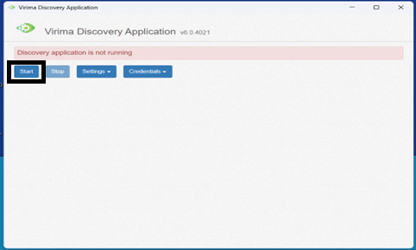
Click Start to begin discovery Virima Discovery Application.
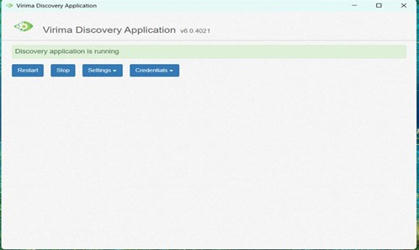
The application will now begin running based on the configured settings.
Related Topics