SSL Configuration
Use this function to configure and install the certificate the Discovery Application itself presents when an Agent connects to it securely - effectively the Discovery Application's own identity.
-
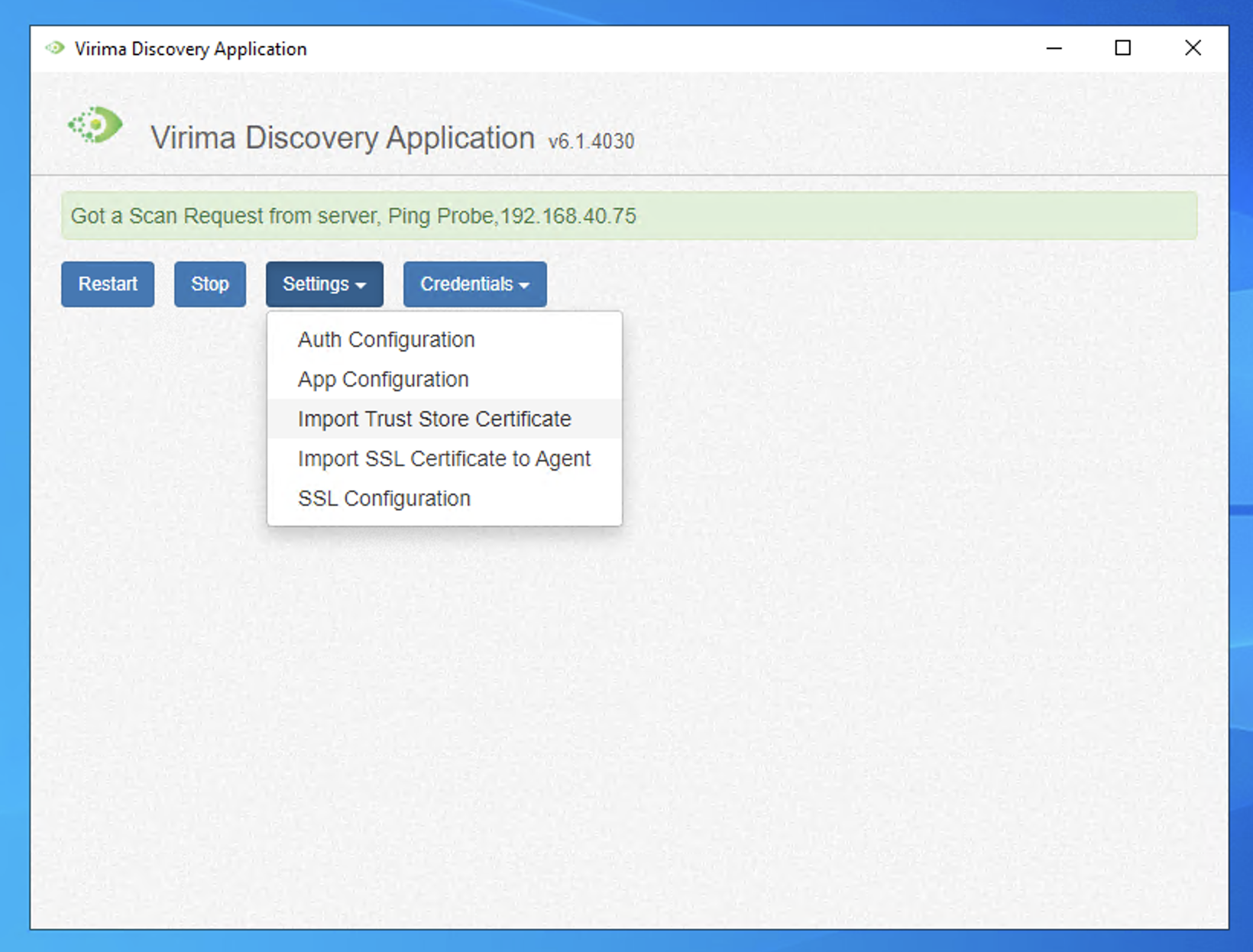
Open the Virima Discovery Application.
-
Go to Settings > SSL Configuration.
-
Paste the certificate body, its private key, and (if applicable) any supporting certificates, then click Next.
If anything is invalid - an expired certificate, a mismatched key, or the wrong certificate type - a message explains why, and nothing is changed.
-
If this certificate has not yet been shared with connected Agents (see Import SSL Certificate to Agent), a warning appears first. Acknowledge the warning to continue.
-
Review the certificate details on the confirmation screen - who the certificate is for, its supporting names, and its valid dates. If secure connections are being turned on for the first time, a warning explains that every connected Agent will need to be separately reconfigured to use it.
-
Click Confirm & Restart. The Discovery Application applies the new certificate and restarts, and a success message displays.
To view the certificate currently in use without changing anything, click Current Certificate at any time.
Expiry Notifications
Virima checks daily whether this certificate is within its renewal window. When it is close to expiring, an email is sent automatically to the administrator responsible for this Discovery Application, and to any additional recipients configured for its notifications. Reminders repeat about once a week until the certificate is renewed, and stop automatically as soon as a new certificate is applied. No configuration is required to receive these reminders.
| Before the new certificate is applied, it is fully verified while the certificate currently in use is left untouched. If verification fails, the change is stopped and the Discovery Application keeps running on its existing certificate. | |
| Important: Once a new certificate is applied, the one it replaces cannot be retrieved afterward. |
Related Topics