Accessing the Import Juniper Mist Window
-
In the navigation pane, select Discovery Scan > Import From Juniper Mist.
-
The Import From Juniper Mist page opens, displaying all previously initiated import runs.
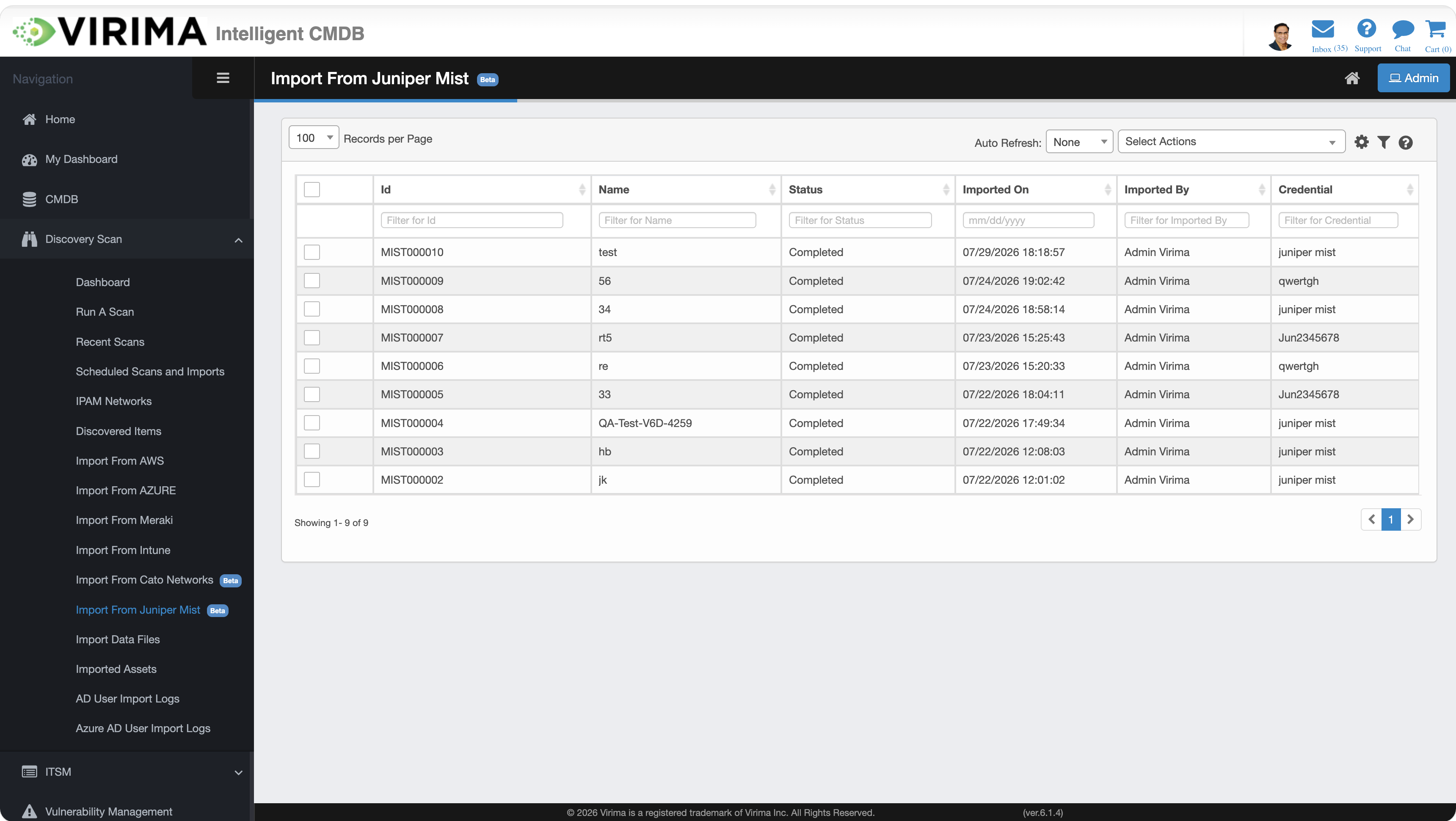
The page displays a list of import runs. Each row represents a single import run.
Key Columns
-
Id. Unique identification ID of the import run (e.g., Mist000030). Records carry the prefix "Mist" followed by a six-digit sequential number.
-
Name. For a manual import, the user-provided import name. For a scheduled import, the schedule name.
-
Status. Current state of the import run: Importing, Completed, or Failed.
-
Imported On. Date and time the import completed.
-
Imported By. The user who initiated the import. The logged-in user for manual imports, or the user who configured the schedule for scheduled imports.
-
Credential. The Virima credential profile used to connect to Juniper Mist.
Each column supports a filter input, and the list supports configurable Records per Page and pagination.
Select Actions
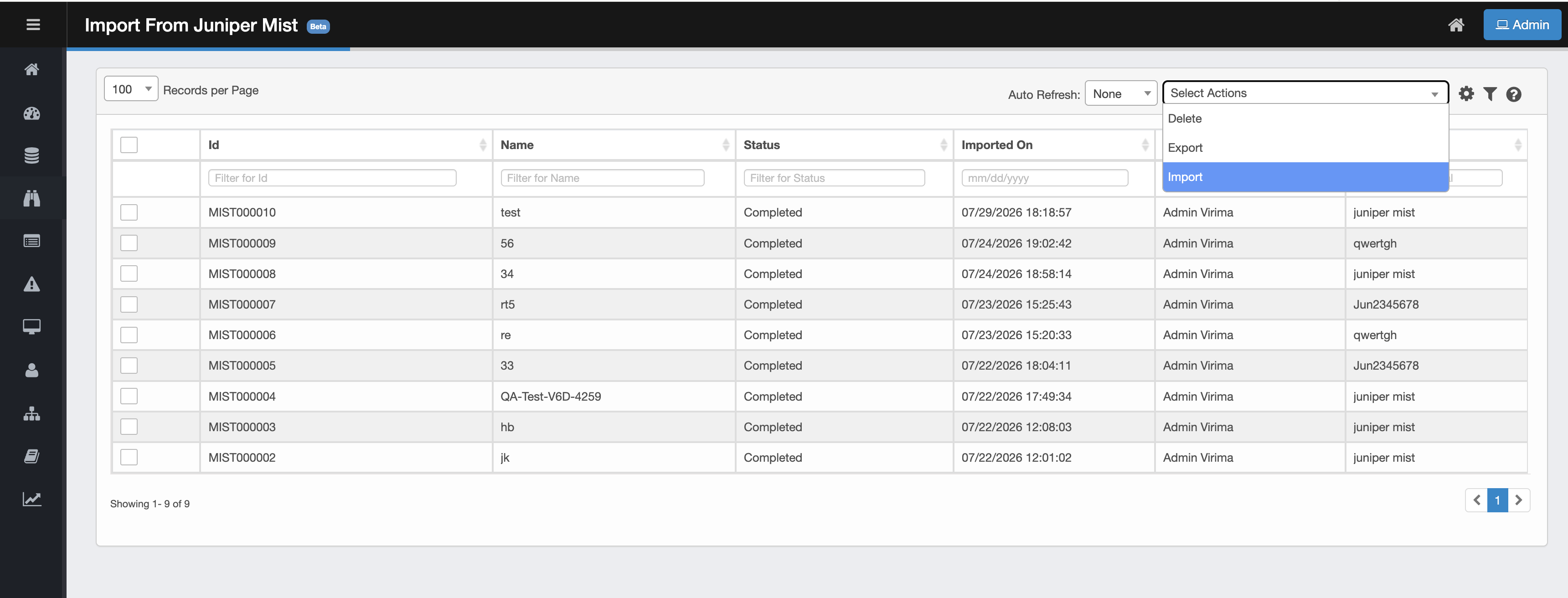
From the Select Actions drop-down list, choose the operation you want to perform:
-
Import. Initiate a new import from Juniper Mist.
-
Export. Download grid contents to Excel (selected rows, filtered rows, or all records).
-
Delete. Remove selected import record(s). CI(s) already moved to the CMDB remain in the CMDB.
Related Topics