My Incidents
Use this function to display the status of Incidents that are created by the logged in user.
|
Role access for incidents is required.
An incident can be canceled, but this must be done before the incident is closed.
|
In the navigation pane, select Self Service > My Incidents. The resulting window displays a list of all incidents.
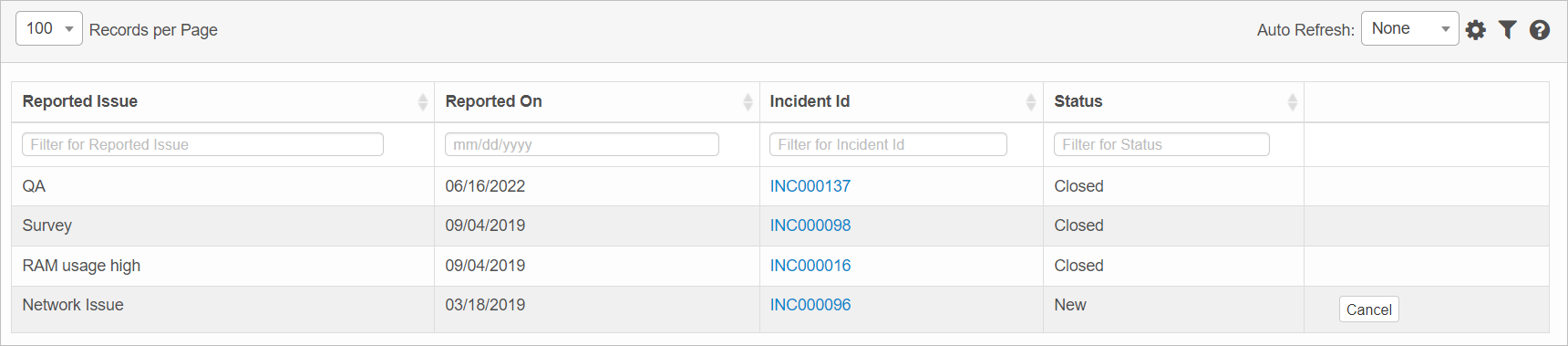
To view the related incident information, under Incident ID, click the hyperlink. The related Incident window displays.
Other Functions and Page Elements