Online Help
Searching
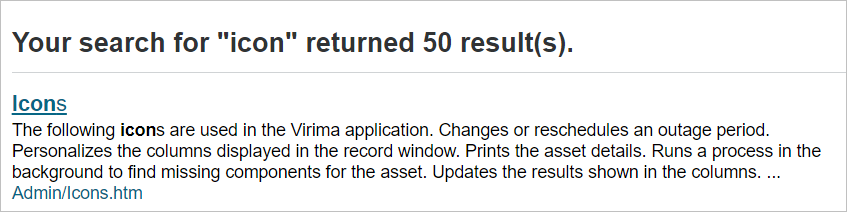
The application includes a global search for locating information on the operation and functions within the applicable. Located in the upper-right corner of the help window, enter one or more characters as the search criteria. Press Enter or click the magnifying glass icon.

Topic results are listed with the most relevant displayed first.
Printing
Help topics can be printed. Display the topic and click the Printer icon.
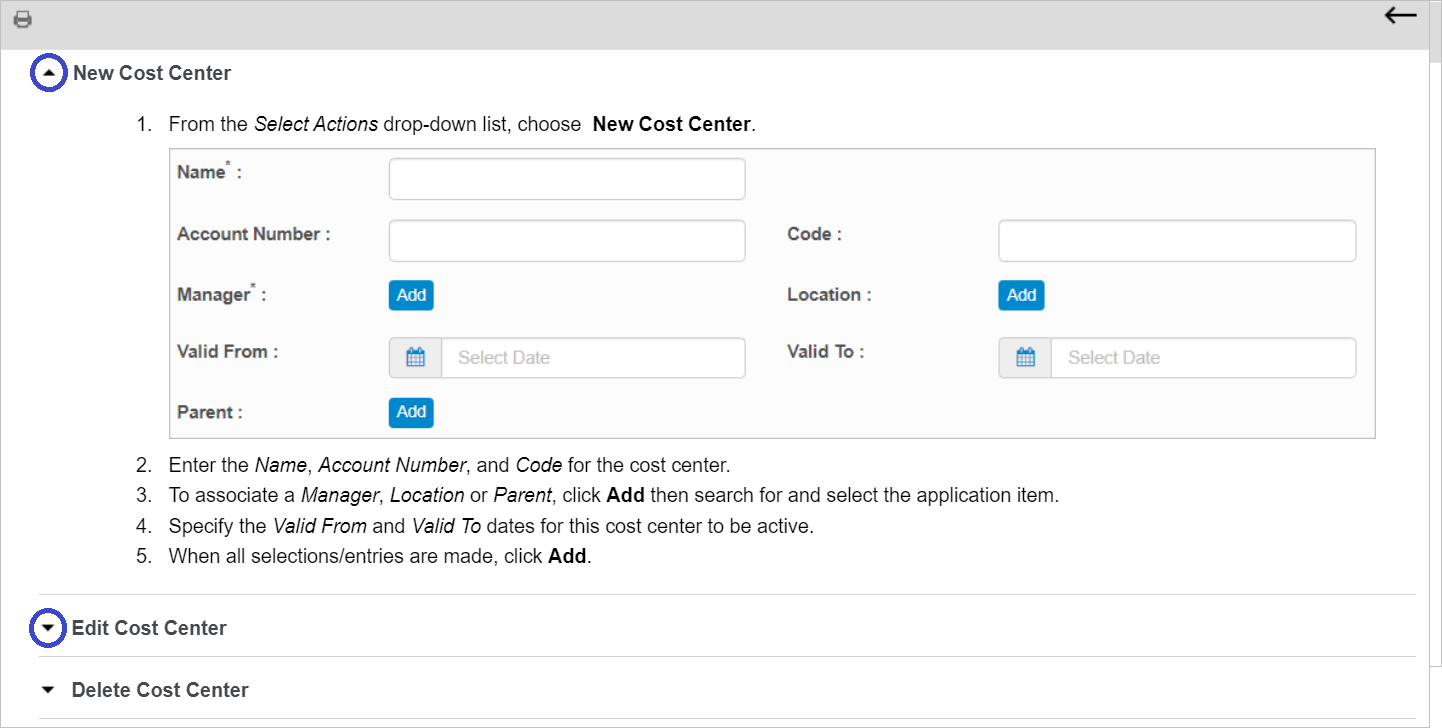
Some help topics contain drop-down sections. Expand the drop-down section to ensure the content is included when printing. In the example below, the arrow next to New Cost Center is facing up, indicating the topic content is displayed. However, the arrow next Edit Cost Center and Delete Cost Center is facing down, indicating the topic content is not shown.
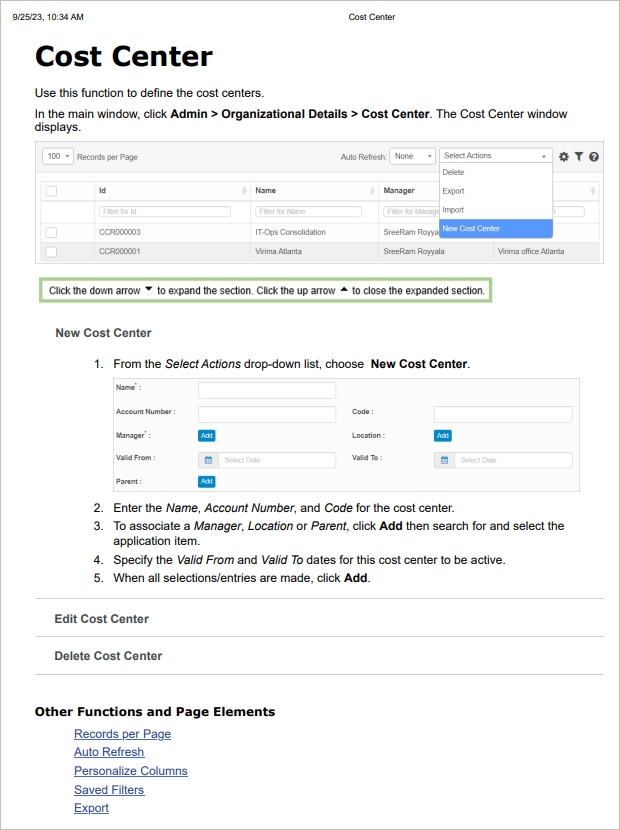
When the Printer icon is selected, the print preview may look similar to that shown below.
Navigation
Use the back and forward arrows to move to the previous or next topic in the hierarchy (which is based upon the Contents organization).