New Software Group
This feature enables to create group of software assets present in the monitored network environment.
|
1.
|
Choose New Software Group option from the Select Actions dropdown. The New Software Group page displays. |
|
2.
|
Enter the name for the software group in the Group Name. |
|
3.
|
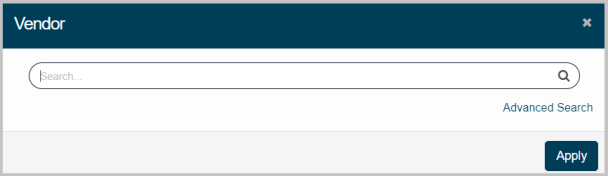
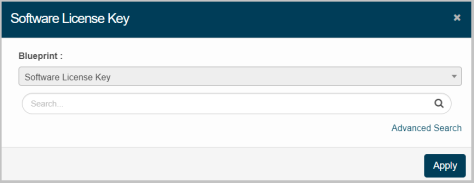
Click Add and update details of the Vendor, and Software License Key parameters. |
Vendor:
|
1.
|
Enter the search criteria, and then click search icon. |
|
2.
|
Select the required vendor from the displayed list, and then click Apply. |
Software License Key:
|
1.
|
Click Add to update Software Group in the application |
|
2.
|
Enter the search criteria, and then click |
|
3.
|
Select the required vendor from the displayed list, and then click Apply |
Advanced Search:
|
1.
|
Click the link given below to view Advanced Search instructions. |
https://wiki.virima.com/wiki/doku.php?id=advanced_search_page/