Edit Software Assets
This feature enables to change the configured Software Asset, save, and then update same in the application.
| 1. | Click to open required Software Asset to be edited. |
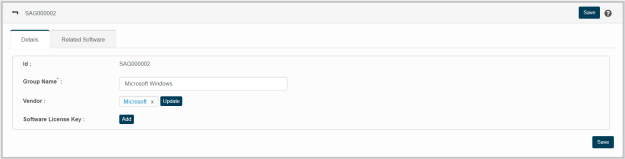
| 2. | Refer “Software Asset” instructions to edit values of the given parameters. |
| 3. | Click Related Software tab to view list of software that are related to the configured vendor. |