Edit Requested Items
This feature enables editing the configured values of the existing contract, and update, and then save the same in the application.
| 1. | Click to open the required Requested Item. The Requested Item page displays. |
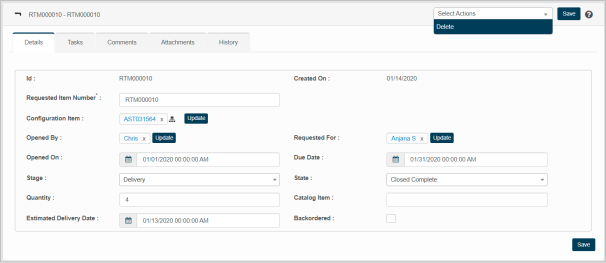
The Requested Item displays the following information:
Details
Tasks
Comments
Attachment
History