Configuring Probe
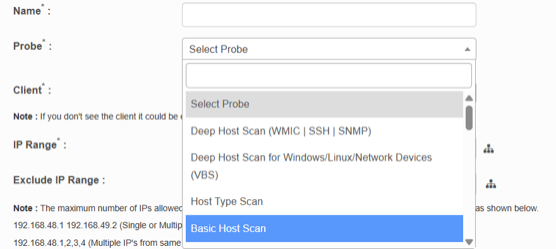
Select the probe type based on your environment and the required scan depth or focus. The available options and their configurations are:
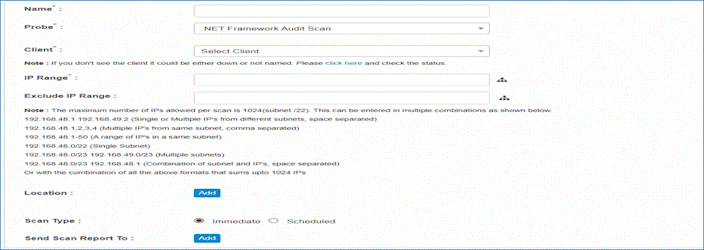
.NET Framework Audit Scan
-
Discovers and audits all .NET Framework installations and versions present on machines in the monitored network environment.
Certificate Scan
-
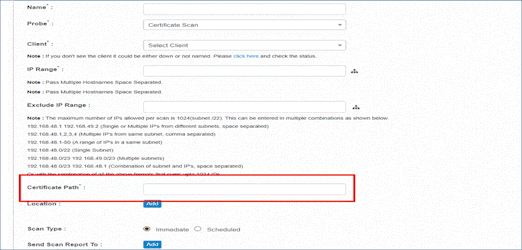
Retrieves and validates SSL certificate details from the specified certificate path, including expiration dates, issuer information, and certificate chain.
-
The user must enter the full file system path where the SSL certificate is stored. This path is required for the system to locate and validate the certificate during the scan process.
-
Input Required: Enter the full file system path to the certificate file (e.g., C:\Certificates\server.cer, /etc/ssl/certs/apache.crt).
Deep Host Scan (WMIC | SSH | SNMP)
-
Performs comprehensive discovery of host systems, including IP address, OS type, MAC address, hardware specs, installed software, and system components.
-
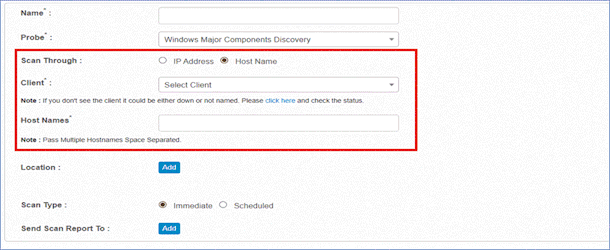
Scan Through: Choose either IP Address (default) or Host Name.
-
IP Address is selected by default. This selection displays the IP Range and Exclude IP Range input fields.
Note: Each IP will be resolved to its DNS hostname before scanning. If resolution fails for a device, it will be marked as Unknown and no asset record will be created for it.
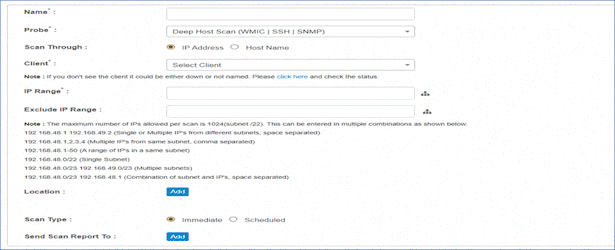
-
If Host Name is selected, enter a space-separated list of valid hostnames (e.g., SERVER0 DC01.domain.local DB-SERVER-01).
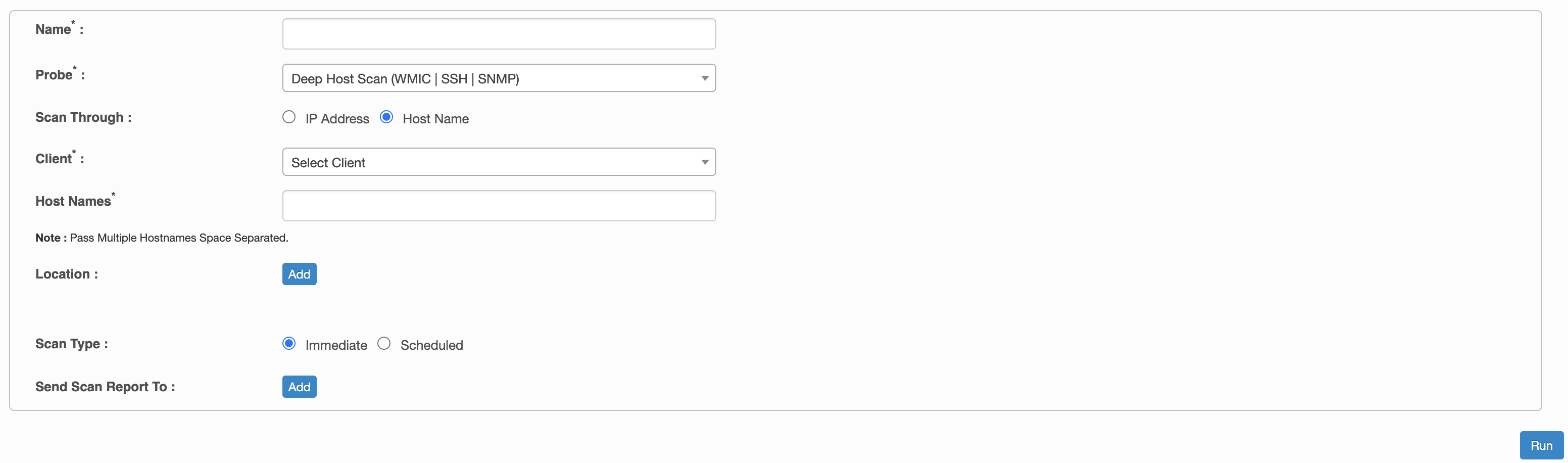
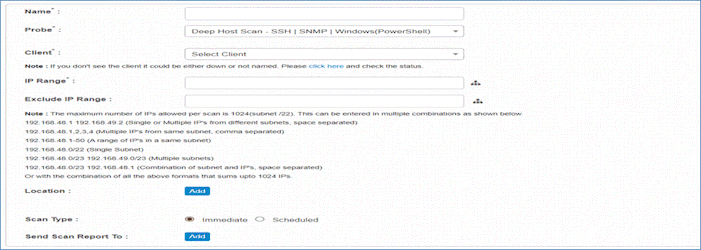
Deep Host Scan – SSH | SNMP | Windows(PowerShell)
-
Performs comprehensive host discovery using SSH for Linux/Unix, SNMP for network devices, or PowerShell for Windows.
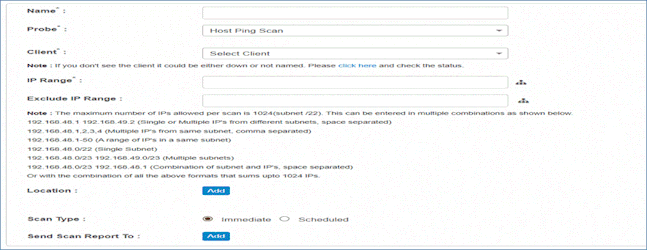
Host Ping Scan
-
Basic network connectivity test to determine if hosts are active and reachable.
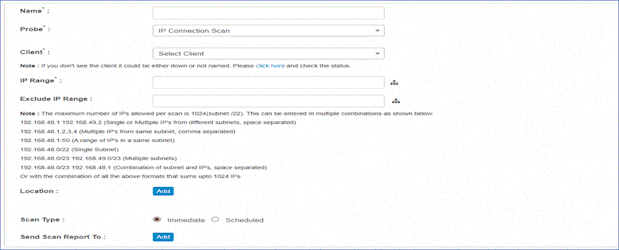
IP Connection Scan
-
Discovers and maps network connections between IP addresses, including active connections, listening ports, and network topology.
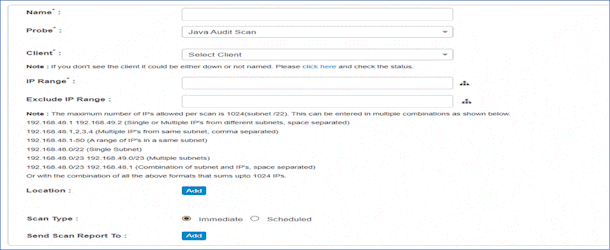
Java Audit Scan
-
Discovers and audits all Java Runtime Environment (JRE) and Java Development Kit (JDK) installations, including version and security compliance.
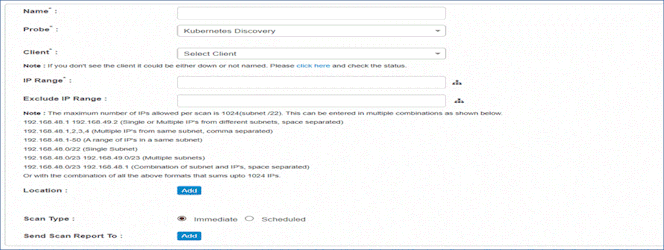
Kubernetes Discovery
-
Discovers Kubernetes clusters, nodes, pods, services, and other container orchestration components.
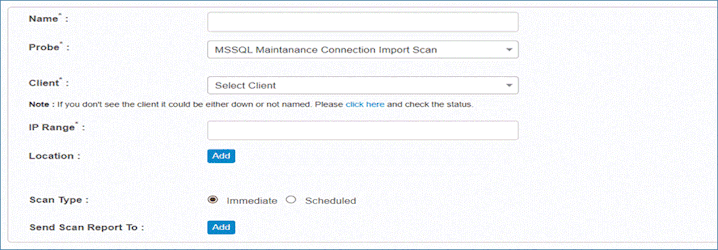
MSSQL Maintenance Connection Import Scan
-
Executes predefined CRUD operations on Microsoft SQL Server databases using static queries with automated data mapping.
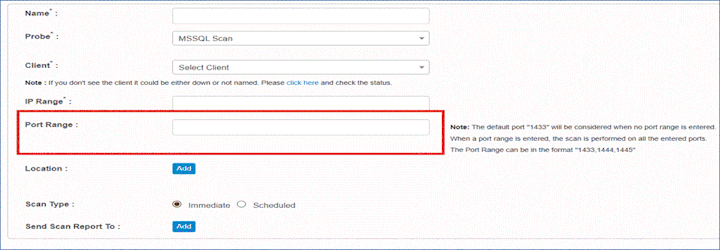
MSSQL Scan
-
Discovers Microsoft SQL Server instances, databases, and configurations.
-
Additional Configuration:
-
Port Range*:
The user must specify one or more SQL Server ports to be scanned during the discovery process. This allows flexibility for environments using non-default ports. -
Input Format:
Comma-separated list of port numbers. -
Default: 1433.
-
Cannot use subnet notation (e.g., 101.155.1.0/24); use individual IP addresses instead.
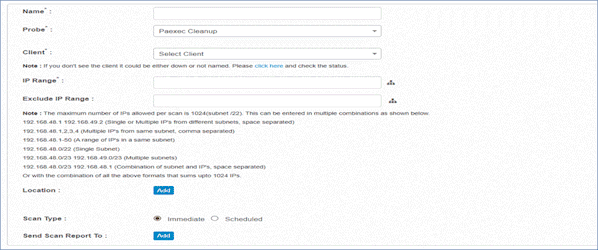
Paexec Cleanup
-
Removes Paexec services and executable files deployed during remote execution tasks.
Port Scan
-
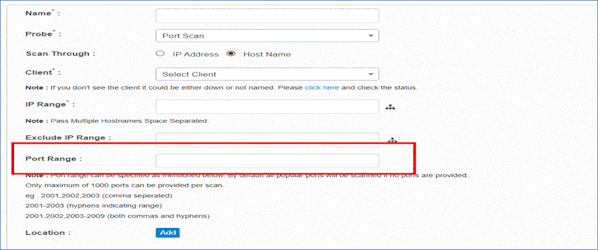
Probes network ports to identify open, closed, or filtered ports.
-
Additional Configuration: Specify port range (up to 1000 ports).
-
Formats: Comma-separated (e.g., 2001,2002,2003), hyphenated range (e.g., 2001-2003), or a mix (e.g., 2001,2002,2003-2009).
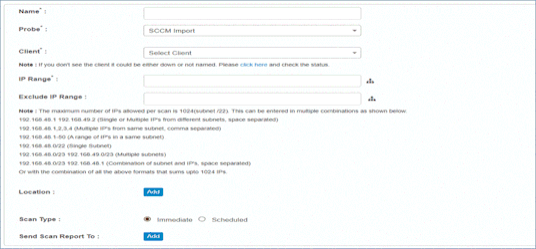
SCCM Import
-
Imports asset and configuration data from Microsoft SCCM database.
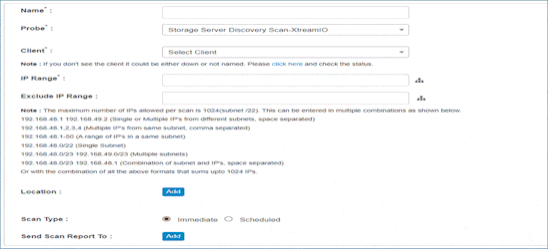
Storage Server Discovery Scan-XtreamIO
-
Discovers XtreamIO storage server details in the monitored network.
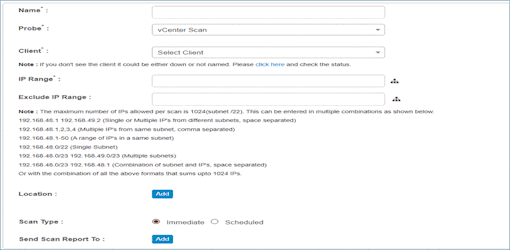
vCenter Scan
-
Discovers ESXi host details on VMware vCenter, including VMs, datastores, clusters, and resource pools.
Website Discovery
-
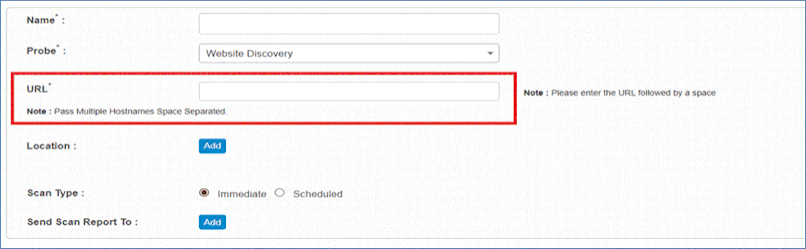
Crawls and analyzes web applications to discover URLs, technologies, SSL certificates, response codes, and structure.
-
Additional Configuration:
-
URL*: The user must enter the complete web addresses that need to be scanned. This input supports multiple URLs, which should be separated by a space.
-
Input Format:
Provide one or more fully qualified URLs (including protocol such as https:// or http://) separated by spaces. -
Example: URL: https://www.company, https://webmail.company.com
-
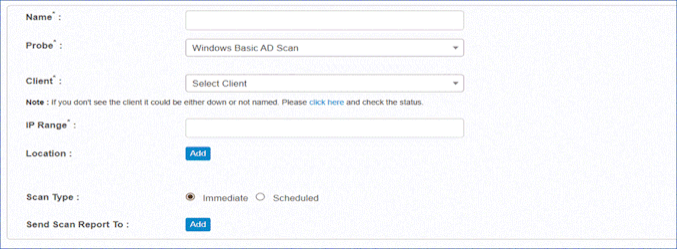
Windows Basic AD Scan
-
Queries Active Directory for basic computer object information, including names, OS, and organizational unit structure.
Windows Deep AD Scan
-
Performs comprehensive AD discovery, including all computer objects, properties, OU structure, group memberships, and detailed attributes.
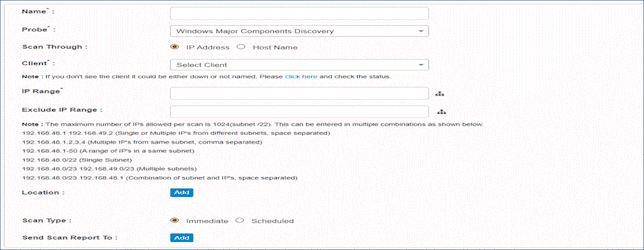
Windows Major Components Discovery
-
Discovers major Windows components, features, and services.
-
Scan Through: Choose either IP Address (default) or Host Name.
-
IP Address is selected by default. This selection displays the IP Range and Exclude IP Range input fields.
Note: Each IP will be resolved to its DNS hostname before scanning. If resolution fails for a device, it will be marked as Unknown and no asset record will be created for it.
-
Additional Configuration (Required if Host Name option is selected):
-
Host Names*: If Host Name is selected, the user is required to enter a space-separated list of valid hostnames.