Configuring Client
-
In our application, the term client specifically refers to the Discovery Application.
-
The Discovery Application scans other machines in the network. It initiates the discovery process and connects to those systems using probes like PowerShell, WMI, or SSH to collect details such as inventory, system configurations, and other relevant data.
-
Select the client machine on which to execute the scan.
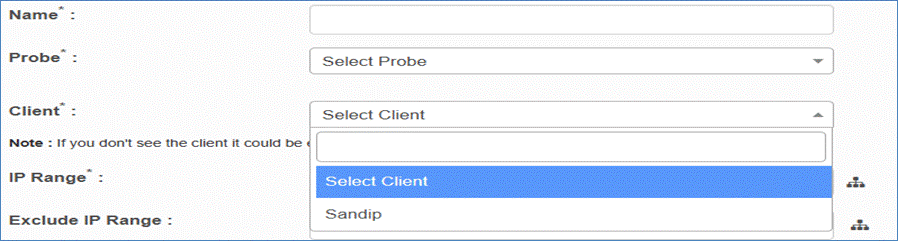
-
If the desired client does not appear in the list, it must be added to the system first.
-
Ensure all prerequisites for client configuration in the Discovery Application are completed beforehand, as it is crucial for successfully performing scans and that the client machine is up and started before initiating the scan.
Additional Notes
-
Subnet Notation: Some probes do not support subnet notation (e.g., 101.155.1.0/24). Use individual IPs as required.