View AWS Import Record
Use this function to view the imported AWS resources (Regardless of manual import or scheduled import).
-
Select an import record to open its details.
-
The report window displays imported CI(s) in these categories:
-
All
-
Authorized
-
Unauthorized
-
Logs
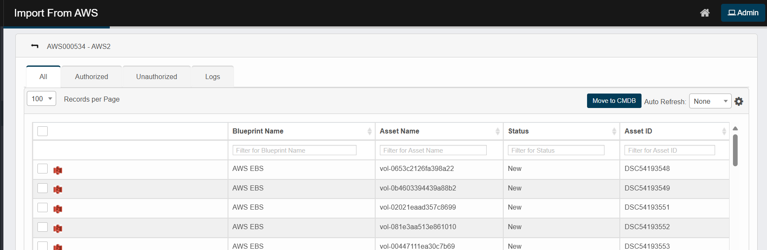
-
All – Every resource returned by the import.
Authorized – Assets that are already present in the CMDB.
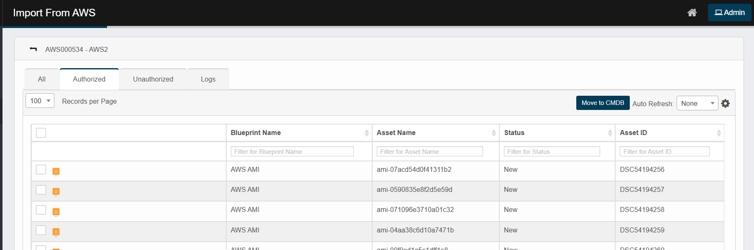
Unauthorized – New assets not yet listed in the CMDB.
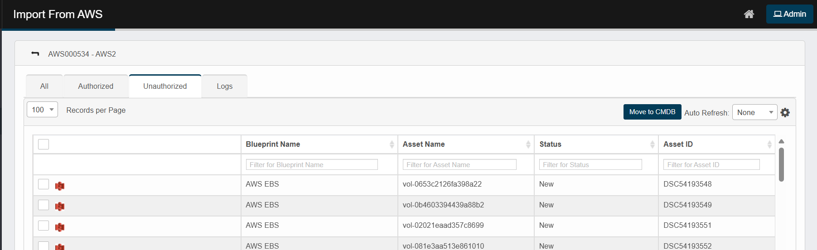
Logs – The import run’s messages (timings, successes, errors).
Common controls (top-right of the grid)
-
Move to CMDB – Promote the selected records to CMDB (Refer Move to CMBD).
-
Auto Refresh – Refresh the grid on set periodic interval. Use this when import is still in progress so that the imported items show up without manual refresh.