Importing Intune Record
Use this function to import the required Intune resources into the Discovery application.
-
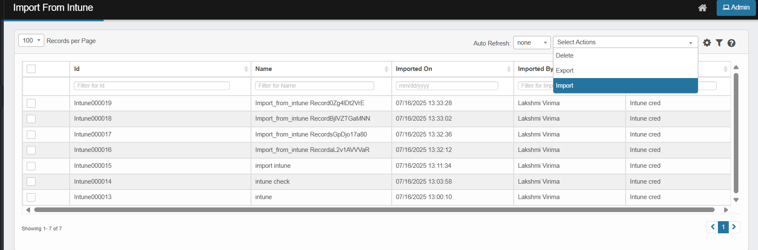
Open the Import From Intune page, From the Select Actions drop-down list, choose Import.
-
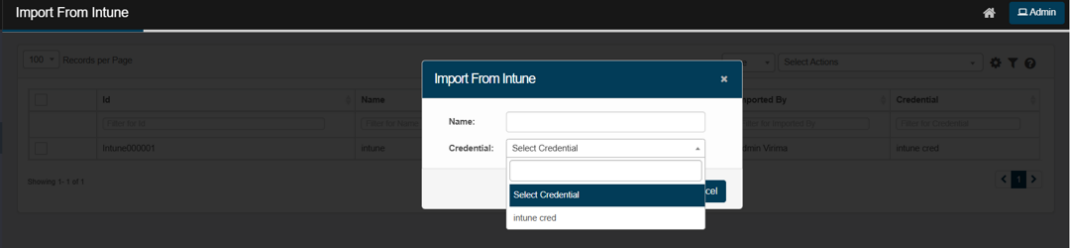
The Import From Intune dialog box displays.
-
In the Name field, enter a name for the import action.
-
In the Credential field, click the drop-down list and select the appropriate credential to access the Intune service.
-
If no credentials are listed in the dropdown, add credentials by navigating to Admin > Discovery > Credentials.
-
Only Active Intune credentials will appear in the dropdown. If a credential is Inactive, it will not be listed in the credential's dropdown.
-
-
Click Add to import the Intune services to virima.
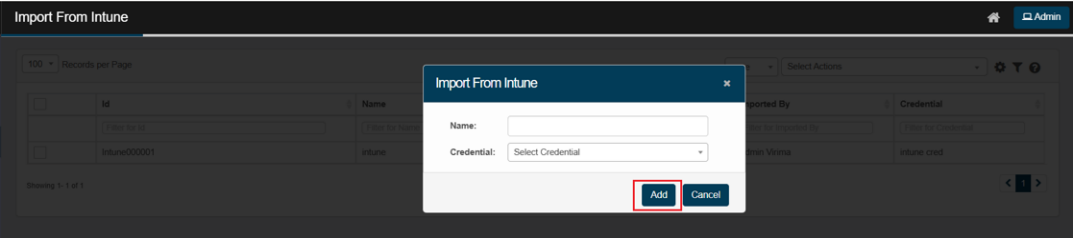
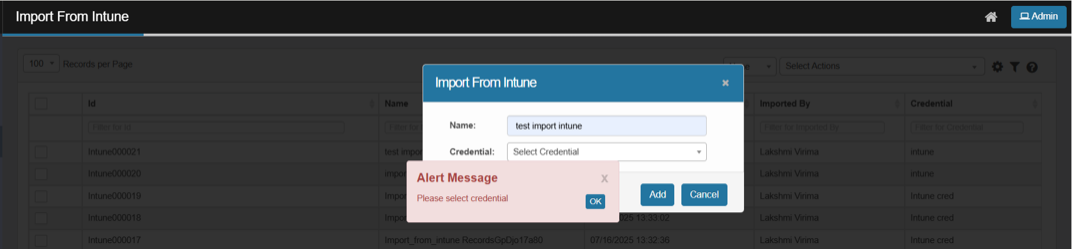
The system displays an error if Add is clicked without selecting credentials.
-
After clicking Add, the system redirects to the Import From Intune page and displays a success message.
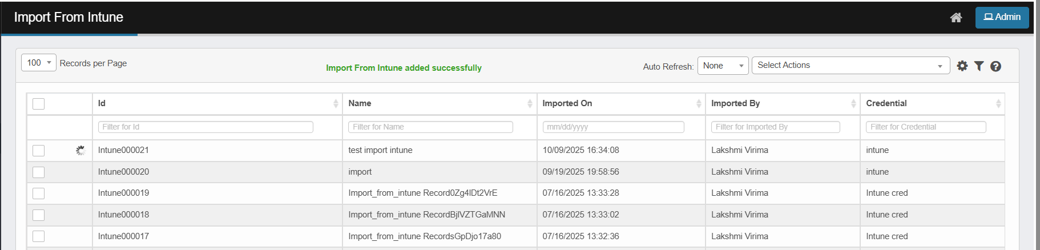
-
To view the details of a CI, click on the CI. This redirects you to the discovered item page, where you can view the imported CI details.