Delete
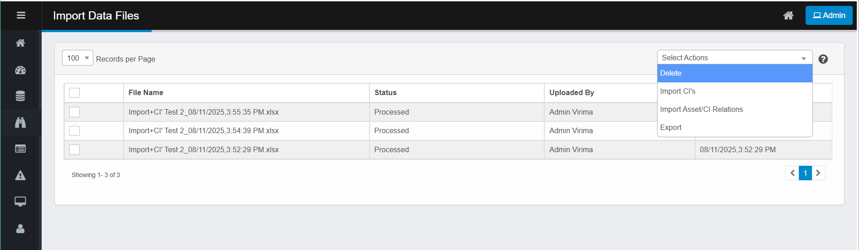
To delete uploaded file records,
-
Select one or more files from the list.
-
From the Select Actions menu, click Delete.
-
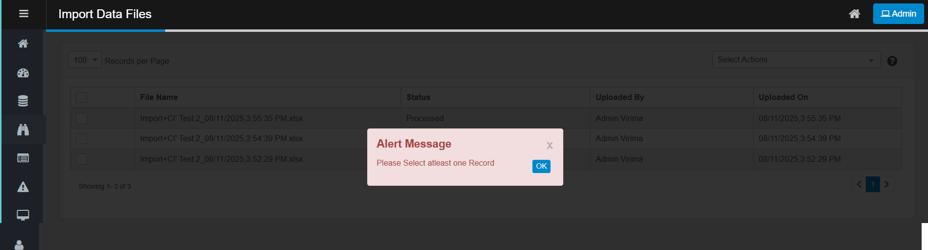
If no files are selected, an alert appears: "Please select at least one record."
-
Confirm the deletion and Click on Delete.
-
Deleting a file from Import Data Files will also remove the associated imported assets only if they have not yet been promoted to the CMDB.
-
-
Click Cancel to cancel the delete.