Status Update
The Status Update section checks the status of devices, typically triggered during a scan.
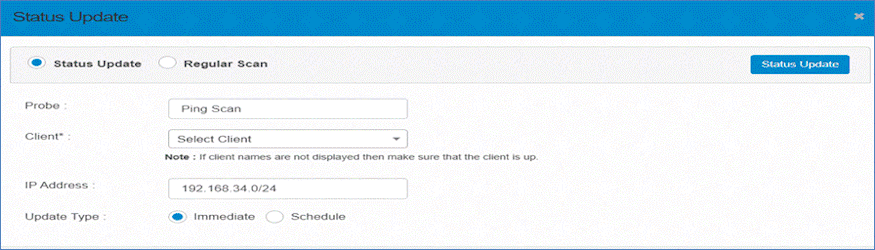
The available settings are:
-
Probe: Choose the type of scan, such as Ping Scan.
-
Client: Select the client from the list (ensure the client is operational).
-
IP Address: Specify the IP address or range to scan (e.g., 192.168.34.0/24).
-
Update Type: Choose between Immediate or Scheduled update.
-
Immediate: The scan starts right away.
-
Scheduled: The scan runs at a specified time.
-