Re-scan
-
Select one or more checkboxes
-
Only CI(s) with IP address can be rescanned AST006004.
-
-
Click on Select Actions and then Select Re-Scan.
-
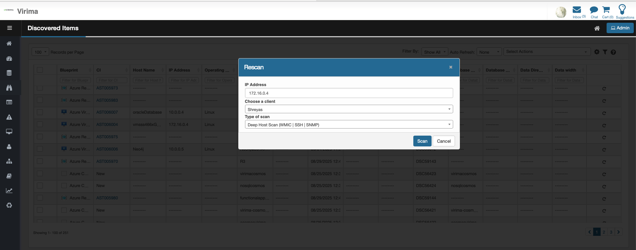
A pop-up window shall be displayed as below
-
Choose the discovery application (Client) which will execute the scan.
-
If not selected and clicked on Scan, an error Please select a client is displayed.
-
-
Choose the type of scan
-
If not selected and clicked on Scan, an error Please select a scan type is displayed.
-
-
Click on Scan
-
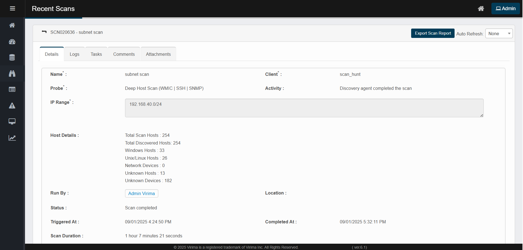
A pop up window showing a scan is in progress is displayed for few seconds and user is redirected to Recent Scans page.
-
-
-
Click on back button to go to list of scans in "Recent Scans" Page
-
Rescan Recent scan appears on the top and the Recent scan name is defaulted as "Rescan on <IP address> "
