Delete
-
Select one or more checkboxes
-
Click on Select Actions and then Select Delete.
-
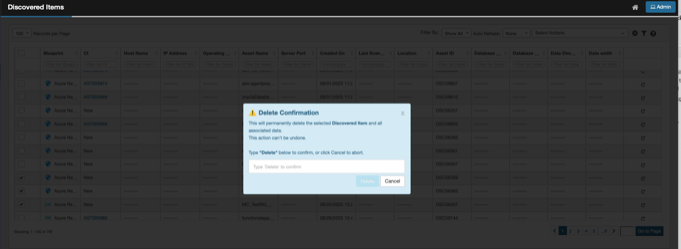
System will display a confirmation message as below. Read the Message.
-
Type Delete in the text box.
-
Click on Delete to permanently delete the selected record(s).
-
Selected records will be permanently deleted.
-
User will be redirected to the Discovered Items list page.
-
-
Click on Cancel to abort.
-
Selected records will be retained.
-
-