Edit Discovered Items
Use this function to edit the details for discovered items.
| 1. | In the navigation pane, select Discovery Scan > Discovered Items. The Discovered Items window displays. |


| 2. |
|
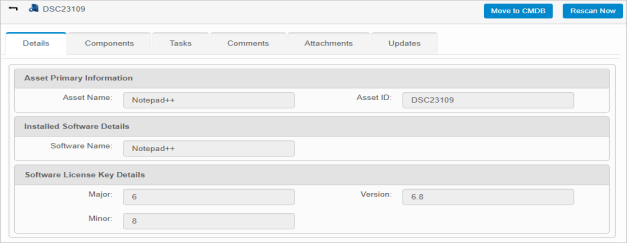
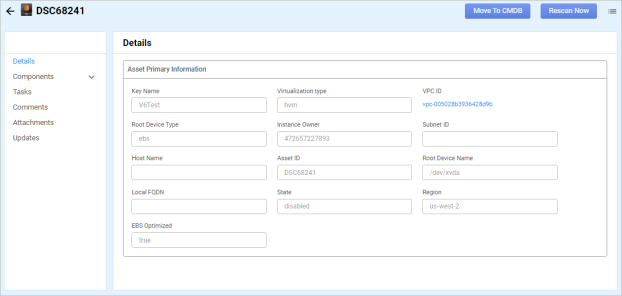
| The options that display change based on the type of asset selected in the previous window. |
| 3. | Do any of the following: |
Configuration Items - Why was this put here?
Related Topics
Other Functions and Page Elements