Azure AD User Import Logs
Use this function to view imported logs containing details Azure AD Users.
| 1. | In the navigation pane, select Discovery Scan > Azure AD User Import Logs. The Azure AD User Import Logs window displays. |
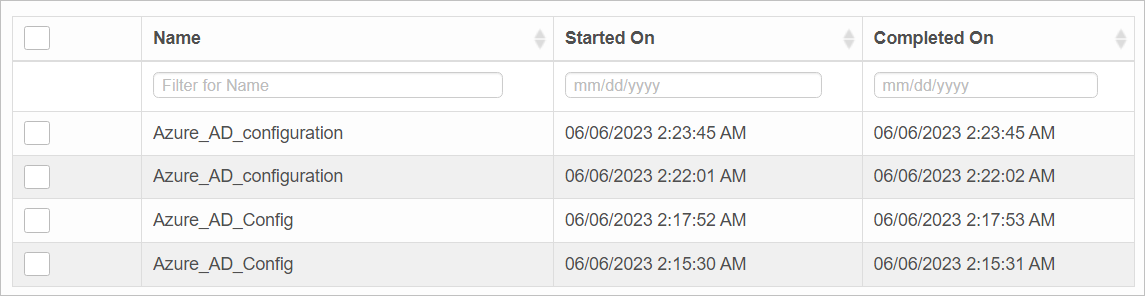
IMAGE 6
| 2. | To view or edit the information, click on the applicable record in the list. |

 Edit Azure AD User Import Logs
| Not all functions include an option to edit record line items shown in the main window. |
| 1. | Navigate to the window containing the record to edit. |
| 2. | Click the line containing the record. The applicable window or dialog box displays. |
| 3. | Make the necessary modifications. |
| 4. | Click Save or Add, as applicable. |
When editing an existing item, other options may be available, such as adding Tasks, Comments, and Attachments and viewing History.
| The options change based upon the function; therefore, not every option may be shown. |
Delete Azure AD Azure AD User Import Logs cannot be deleted.
Other Functions and Page Elements