Azure AD Configuration Property Descriptions
|
Property |
Description |
|
Name |
A user-defined label to identify this Azure AD configuration among multiple setups. |
|
Client ID |
The unique identifier assigned to your Azure application. Used by Azure AD to recognize the application. |
|
Tenant ID |
The unique identifier of your Azure Active Directory tenant. Specifies the directory where authentication occurs. |
|
Secret Key |
A confidential string generated in Azure, used as a password for application authentication. |
|
Certificate |
A digital certificate (with private key) uploaded to Azure, used as a secure authentication method for the app. |
-
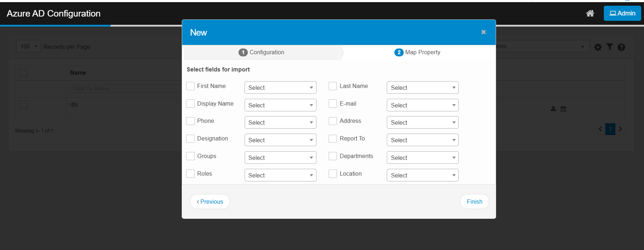
Click Next. The Map Properties tab displays.
-
Select (check) the fields that need to be imported and map their values (from the given drop down) to that of an applicable Azure AD property.
-
Click Finish to save the Azure AD configuration.
-
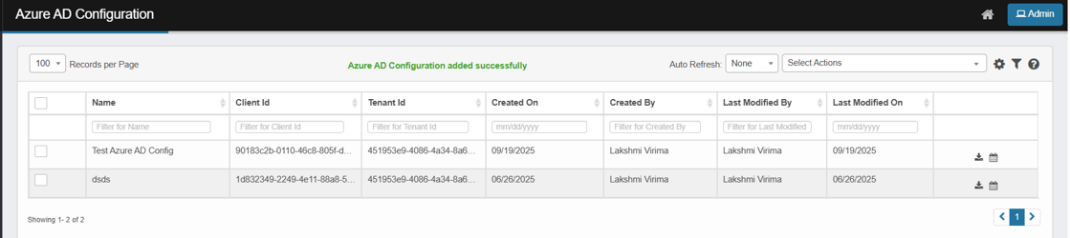
A successful message notifies the user after adding Azure AD configuration: “Azure AD Configuration added successfully”.
-