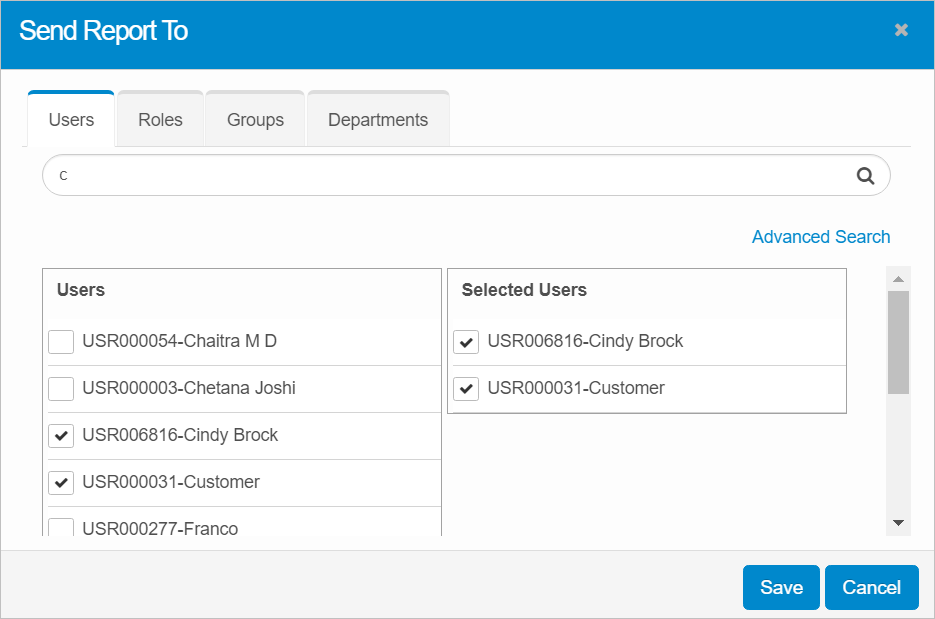
Send Report To
Use to specify the users, group, roles or departments to whom the report is sent.
| 1. | Click the applicable tab. |
| 2. | Search for the user, group, role or department. The results are displayed. To enter additional search criteria, click Advanced Search. |
| 3. | From the list, select all the relevant name. As names are selected, they are moved to the Selected column. |
| 4. | When all selections are made, click Save. |