Process Available Patch Report
The Process Available Patch Report action generates a report of all available software patches (for Windows only) applicable to the selected Configuration Items (CIs). This helps identify missing updates, security patches, and system improvements for effective patch management.
To run the Process Available Patch Report job, scanned discovery data must be available in the CMDB. Without this data, the patch report cannot be generated accurately.
-
Open the CMDB module in Virima.
-
Select the CIs for which you want to generate the patch report.
-
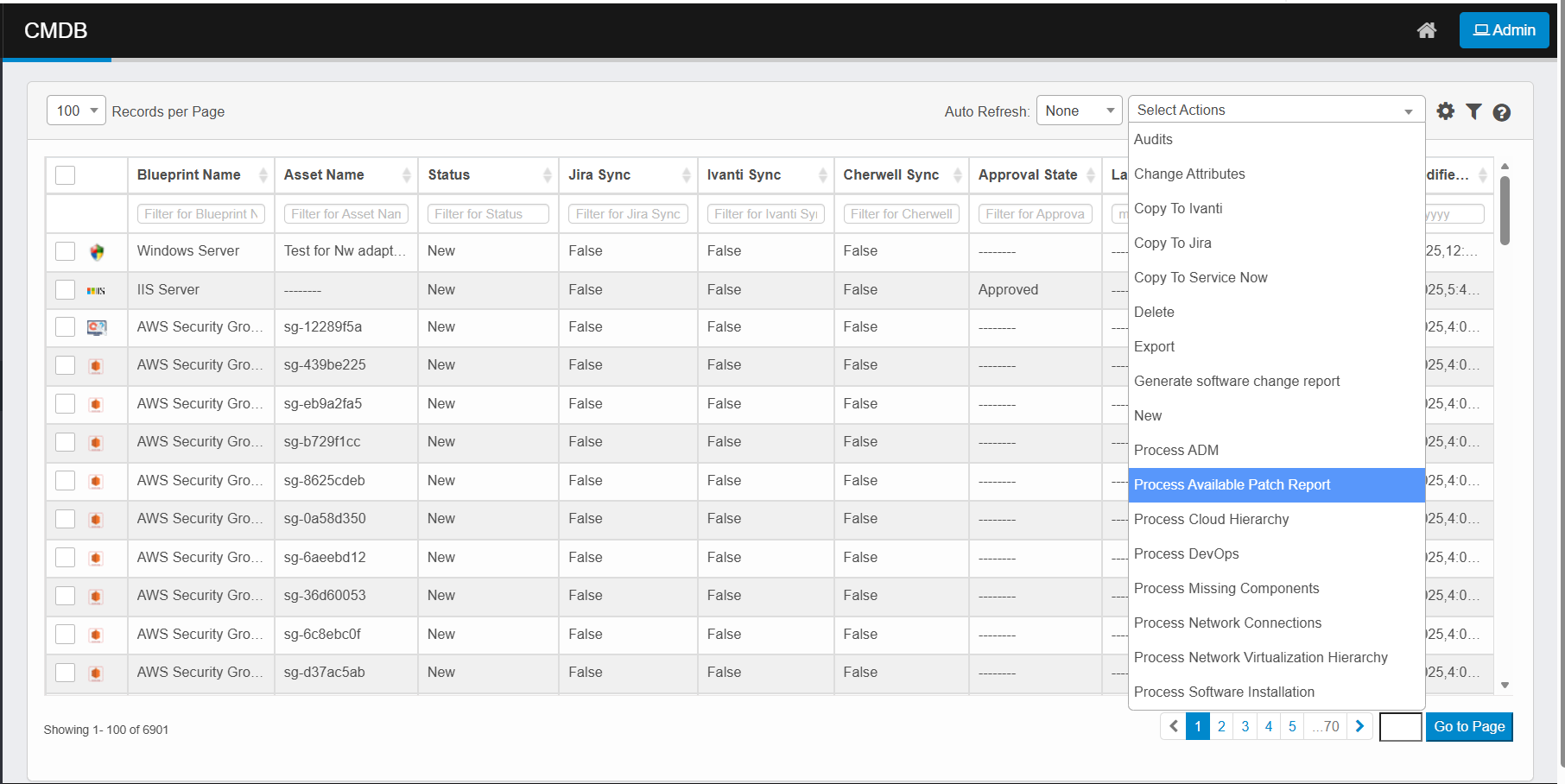
Click the Select Actions dropdown at the top-right of the CMDB list.
-
Choose Process Available Patch Report from the dropdown.
-
The system scans each selected CI for available updates.
-
It collects data from integrated patch repositories or operating system update services.
-
The report includes details such as patch ID, description, severity, and release date.
-
Monitor progress and completion status via the Sync Logs page if processed in the background.