Copy to ServiceNow
The Copy to ServiceNow action transfers Configuration Items (CIs) from Virima to ServiceNow based on predefined mappings. The system retrieves records, validates them against mapping rules, maps the data to ServiceNow properties, and transfers them in the required sequence to maintain dependencies.
-
Open the CMDB module in Virima.
-
Select the CIs from the CMDB list to copy to ServiceNow.
-
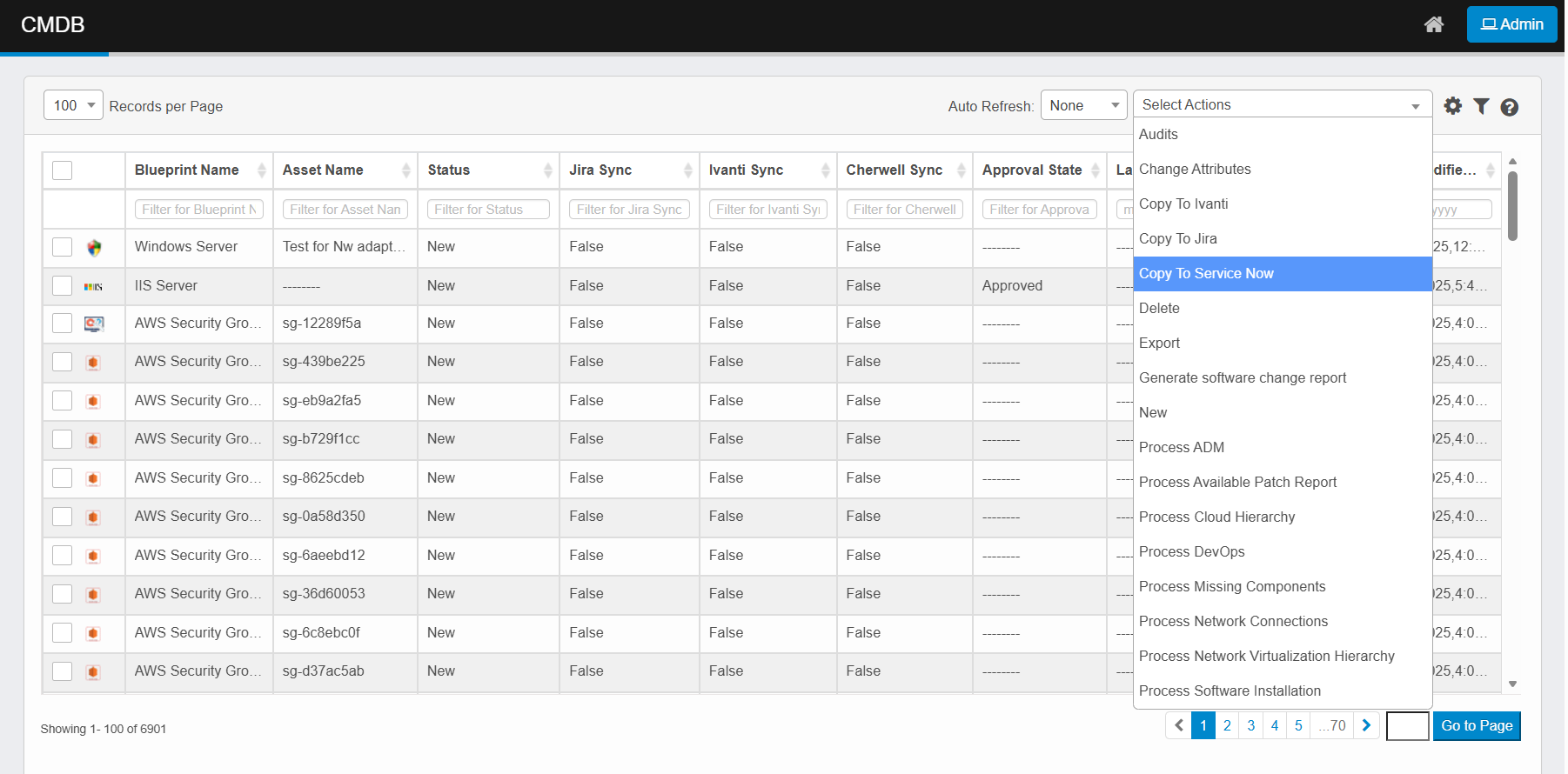
Click the Select Actions dropdown at the top-right of the CMDB list.
-
Choose Copy to ServiceNow from the dropdown.
-
The copied CIs will appear in the ServiceNow CMDB, with Virima as their source.
-
Validating Records in ServiceNow
-
Log in to your ServiceNow instance.
-
In the Filter Navigator, search for and open the relevant CMDB table where the CIs were copied (e.g., Windows for Windows Servers).
-
Verify that the copied CI records are present in the list view.
-