Business Service Map
-
The Business Service Map provides a pictorial representation of Configuration Items (CIs) and their interrelationships.
-
It complements the Relationships tab by offering a visual insight into how CIs connect and contribute to service delivery.
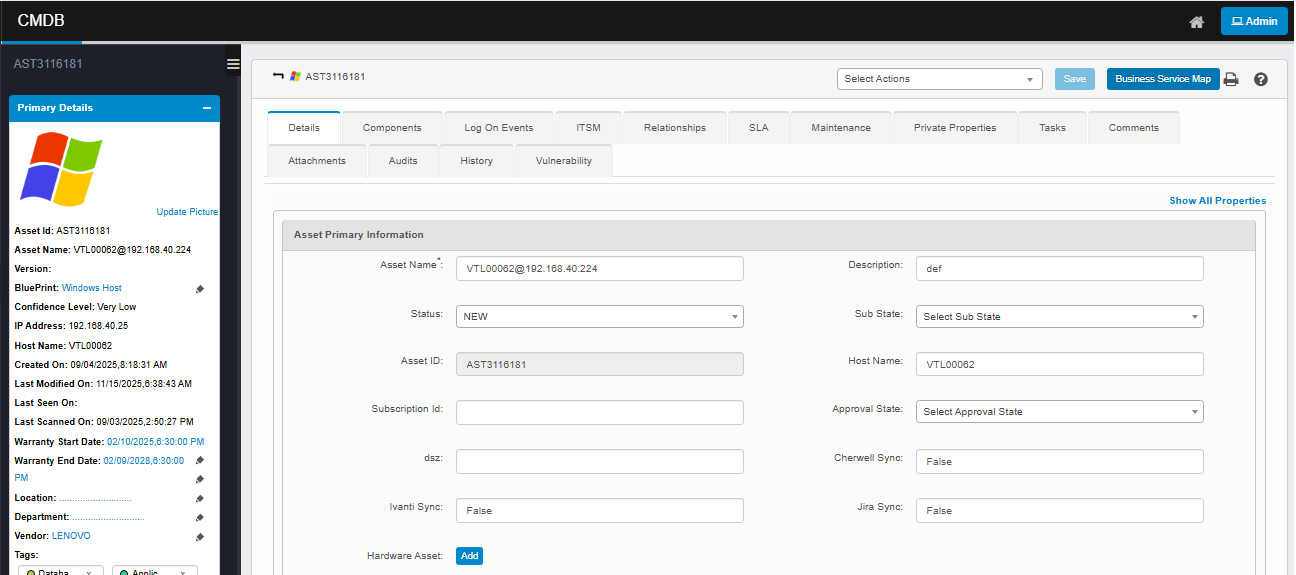
-
Upon clicking the BSM view:
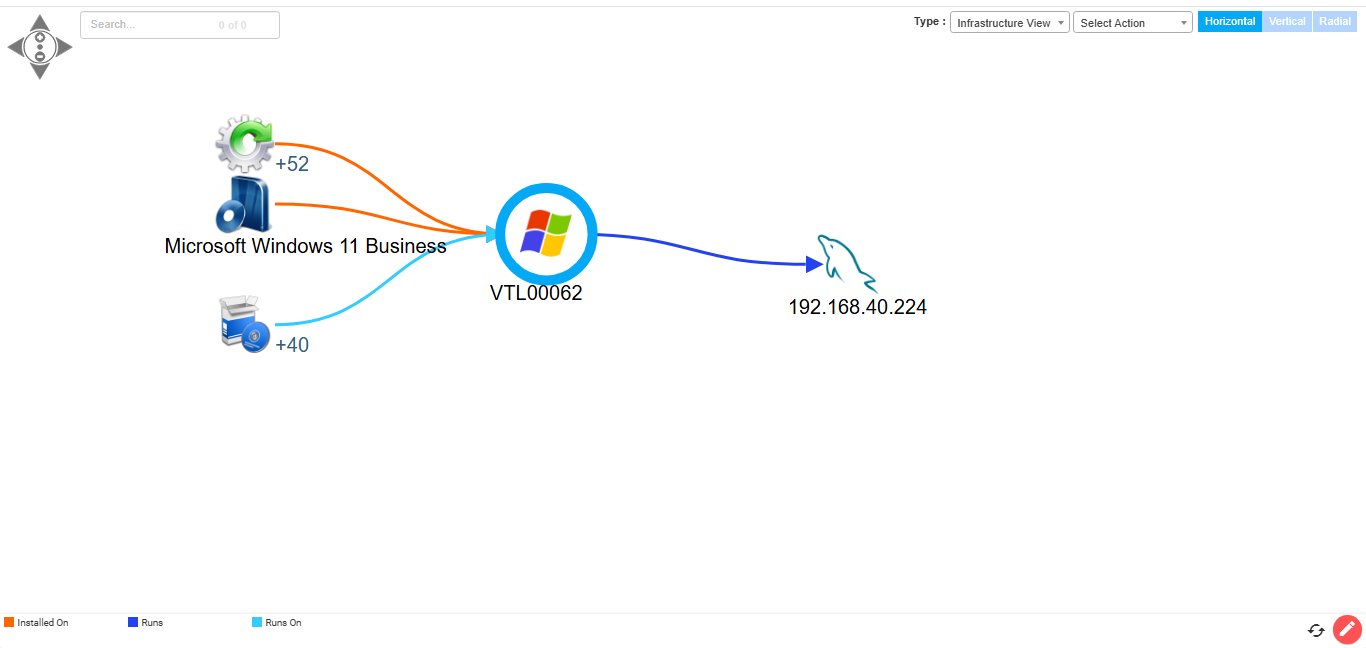
Available Views:
|
View Type |
Purpose |
|
Infrastructure View |
Visualizes servers and applications, showing their relationships. |
|
Service Topology View |
Displays the complete runtime structure of a business service and its supporting components. |
|
Communication View |
Shows CIs connected through Communicates With relationships, ideal for mapping traffic paths. |
|
ADM View |
Visualizes application interactions via Communicates With links, typically used in ADM-based analysis. |
|
Network View |
Presents physical and virtual network relationships among devices and services. |
|
Affected Business Application View |
Highlights business services or applications affected by an impacted CI, helping assess service impact. |
|
Cloud Topology View |
Focuses on representing cloud infrastructure, if available. |
At the bottom of the view, color-coded legends distinguish relationship types such as:
-
Installed On
-
Runs On
-
Runs
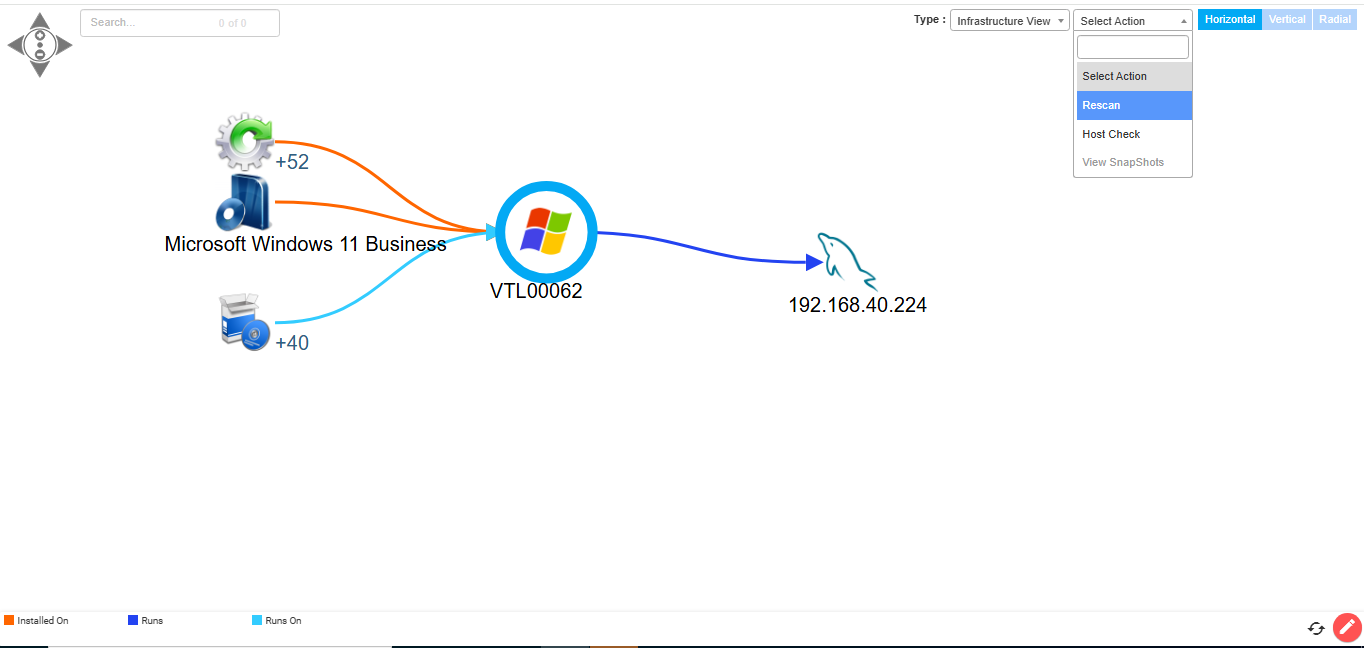
BSM Actions Tab:
The Actions dropdown in the Business Service Map (BSM) provides on-demand operations to enhance real-time visibility and management of the selected Configuration Item (CI). These options are located at the top right of the BSM interface.
Available Options:
|
Action |
Purpose |
|
Rescan |
Initiates a discovery rescan for the selected CI to collect the latest data. |
|
Host Check |
Performs a basic connectivity and credential validation check on the host. |
|
View Snapshots |
(If enabled) Opens previous snapshots of the BSM to view historical changes. |