New Azure AD Configuration
| 1. | While viewing the AD Configuration window, click New AD Configuration. The Export dialog box displays. |
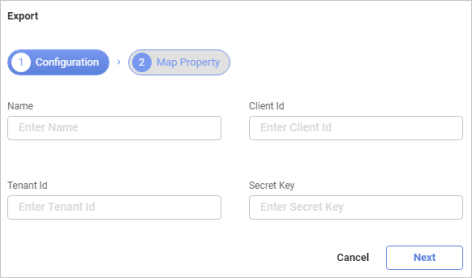
| 2. | Enter the Name, Client Id, Tenant Id and Secret Key. |
| 3. | Click Next. The Map Property dialog box displays. |
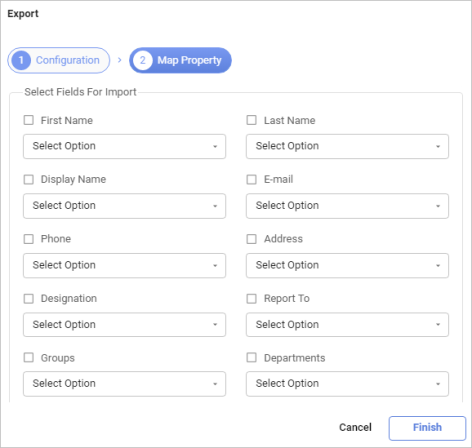
| 4. | Select required values to import (for example, First Name, Last Name and so forth). |
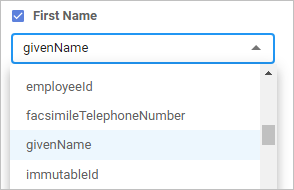
| 5. | Click the drop-down list arrow and select the property to map to. |
| 6. | When all selections/entires are made, click Finish. |