KPIs
A Key Performance Indicator (KPI) is a measurable value that demonstrates the defined objectives effectively. It provides a reporting dashboard reflecting insights for the current performance.
Use this function to view the currently defined KPIs.
| 1. | In the main window, click Admin > Others > KPIs. The KPIs window displays. |
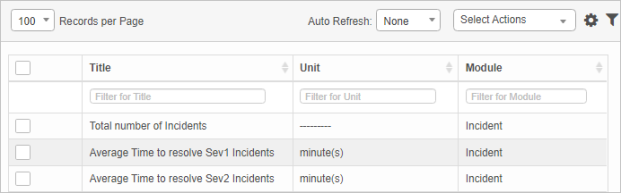
| 2. | From the Select Actions drop-down list, choose an action: Delete or Export. |
| 3. | To edit an existing KPI, click the applicable line item. |
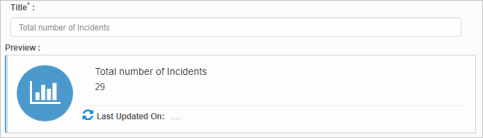
| 4. | Click the Save button. |
Other Functions and Page Elements