Article Search Logs
Use this function to define a threshold for the Knowledge topics that are not updated in the portal. The threshold automatically submits a knowledge base item if the user is unable to find the article for the defined threshold level.
|
1.
|
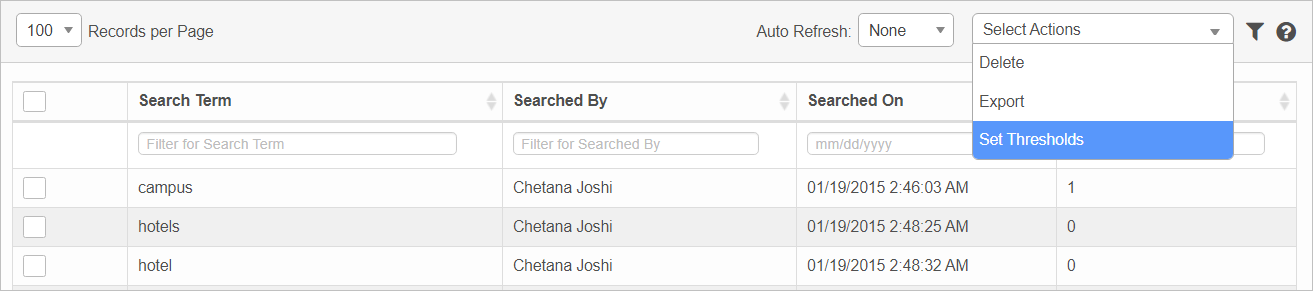
In the main window, click Admin > Knowledge Management > Article Search Logs. The Article Search Logs window displays. |
|
2.
|
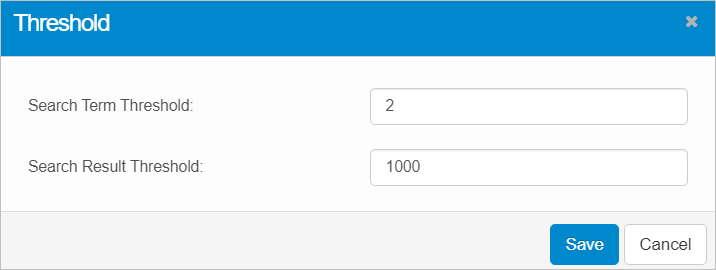
From the Select Actions drop-down list, choose Set Threshold. The Threshold dialog box displays. |
|
3.
|
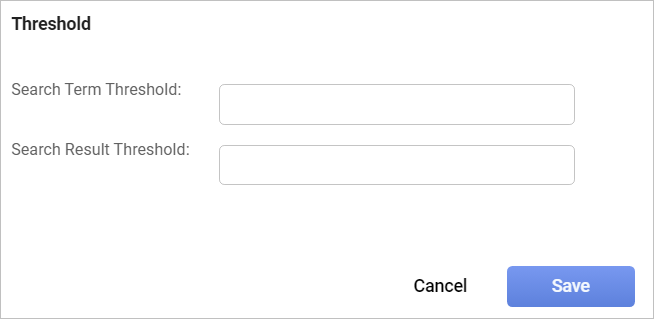
Click Set Threshold. The Threshold dialog box displays. |
|
4.
|
In the Search Term Threshold field, enter the total number of search attempts by the user for the required Knowledge topic. |
|
5.
|
In the Search Result Threshold field, enter the maximum number of search attempts the user can make. |
| |
If the number of searches exceeds the entered maximum number, the Knowledge Submission is not created. |
Other Functions and Page Elements