New Probes
|
1.
|
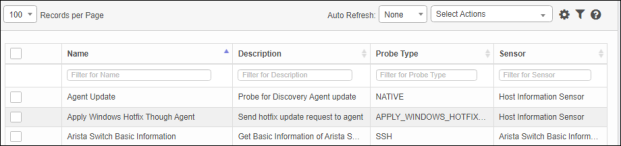
In the main window, select Admin > Discovery > Probes. The Probes window displays. |
|
2.
|
From the Select Actions drop-down list, choose New Probes. The New Probes window displays.
|
|
1.
|
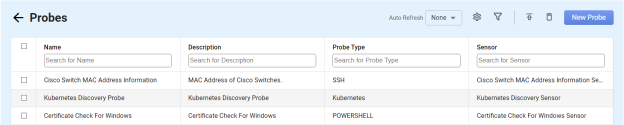
In the main window, click the gear icon and select Discovery > Probes. The Probes window displays. |
|
2.
|
Click New Probe. The New Probe window displays. |
|
3.
|
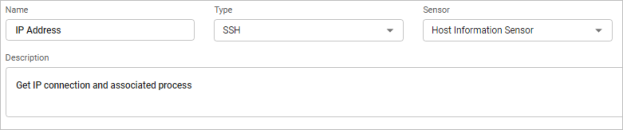
Enter a Name for the probe. |
|
4.
|
From the drop-down lists, select the Type and Sensor. |
|
6.
|
When all selections/entries are made, click Add. |
Related Topics
Other Functions and Page Elements